
60% of support time goes to standard questions
"Where's my order?" "Can I return this?" "What does shipping cost?" – Your team answers these questions every day. Dozens of times. The answers are almost always the same, but each inquiry still takes time: read the email, look things up, respond.
It adds up. For an SME with 20+ daily customer inquiries, that's easily 15–25 hours per week – just for standard questions.
How does automated inquiry handling work?
No jargon, we promise. Here's the process in simple terms:
Step 1: The inquiry arrives
A customer sends an email, a chat message, or fills out a contact form. The AI system receives the message – just like an employee would.
Step 2: The system understands the request
The AI reads the message and identifies what it's about: delivery status, complaint, price inquiry, appointment request. This works even with colloquial language and typos.
Step 3: Information is checked
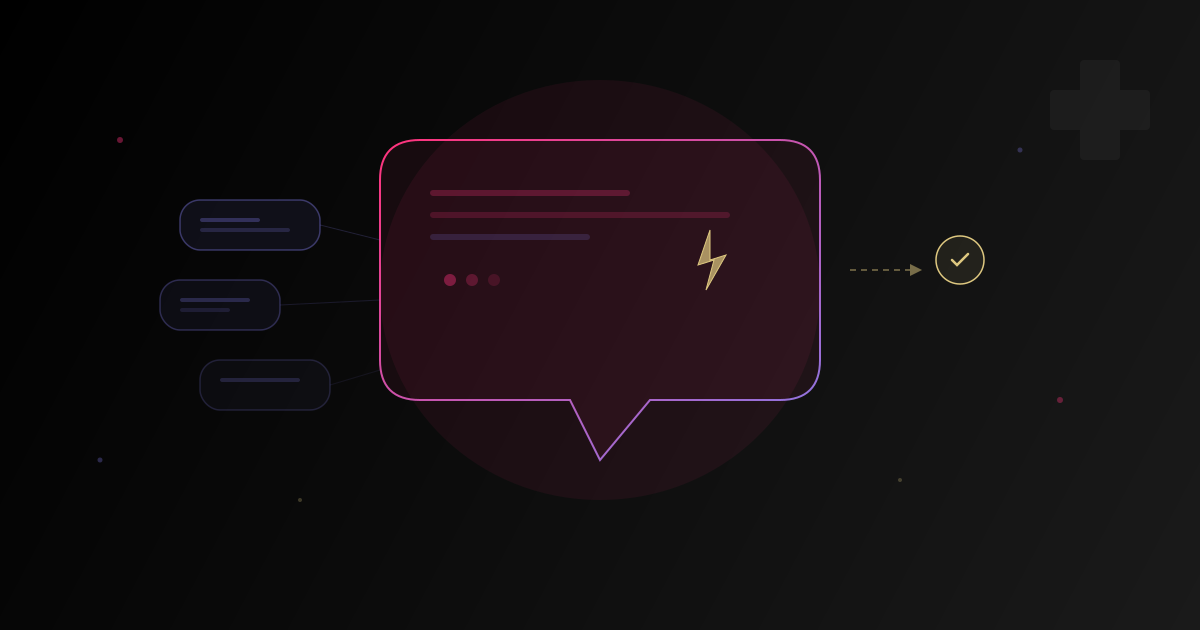
This is where it gets interesting: the system doesn't just look at a FAQ list. It accesses your systems – Bexio, CRM, shop system – and retrieves the relevant information. Example: A customer asks about their delivery status → the system finds the order, checks the shipping status, and sees there's a delay.
Step 4: A personalized response is created
Instead of a generic reply, the system creates an individual message: "Hello Mr. Smith, your order #4521 was shipped on February 5th. Due to a delay with our logistics partner, delivery is expected on February 10th. We apologize for the inconvenience."
Step 5: Complex cases are forwarded
When the system can't confidently answer an inquiry – such as an emotional complaint or an unusual special case – it's automatically forwarded to the right employee. With all relevant information attached, so your team can act immediately.
What the system can and can't do
It can:
- Answer standard questions (delivery status, pricing, opening hours, return policies)
- Look up orders in your system
- Trigger simple processes (e.g., initiate a return, suggest an appointment)
- Categorize and prioritize inquiries
- Respond in multiple languages (German, French, English)
It can't:
- Calm down upset customers who need a personal conversation
- Conduct complex negotiations
- Make decisions that require tact and judgment
- Solve problems that have no clear rules
The rule of thumb: Everything your team could answer with a template, the AI system can handle. Everything that needs individual judgment stays with humans.
Data privacy: Your data stays in Switzerland
A fair question: What happens with customer data?
- Swiss hosting: The system can run entirely on Swiss servers.
- No data sharing: Customer data is not used to train AI models.
- FADP-compliant: The system is configured to meet Swiss Federal Act on Data Protection requirements.
- Access controls: You determine which systems and data the AI can access.
Concrete results
What can you expect when you automate your customer support?
| Metric | Before | After |
|---|---|---|
| Response time | 2–8 hours | under 2 minutes |
| Automatically handled | 0% | 60–80% |
| Employee time for support | 25h/week | 5–8h/week |
| Customer satisfaction | good | same or better |
Typical results based on our model calculation. Every company is different.
What does it cost?
| Phase | Investment |
|---|---|
| Analysis | from CHF 4,500 |
| Prototype | from CHF 12,000 |
| Production-ready solution | from CHF 25,000 |
| Ongoing costs | from CHF 500/month |
Most SMEs start with a prototype for a specific channel (e.g., email support) and then expand step by step.
You don't need an IT department
This is the most important point: you don't need an internal IT team. We handle setup, integration, and ongoing maintenance. Your team just needs to know how to read emails – we take care of the rest.
Sounds interesting? In 30 minutes, we'll show you what automated customer support could look like for your company.